

Skip to content

Free Shipping

Save Up to 15% Off🔥

How to Build a Clean Minimal Desk Setup? - Peakzooc
desk

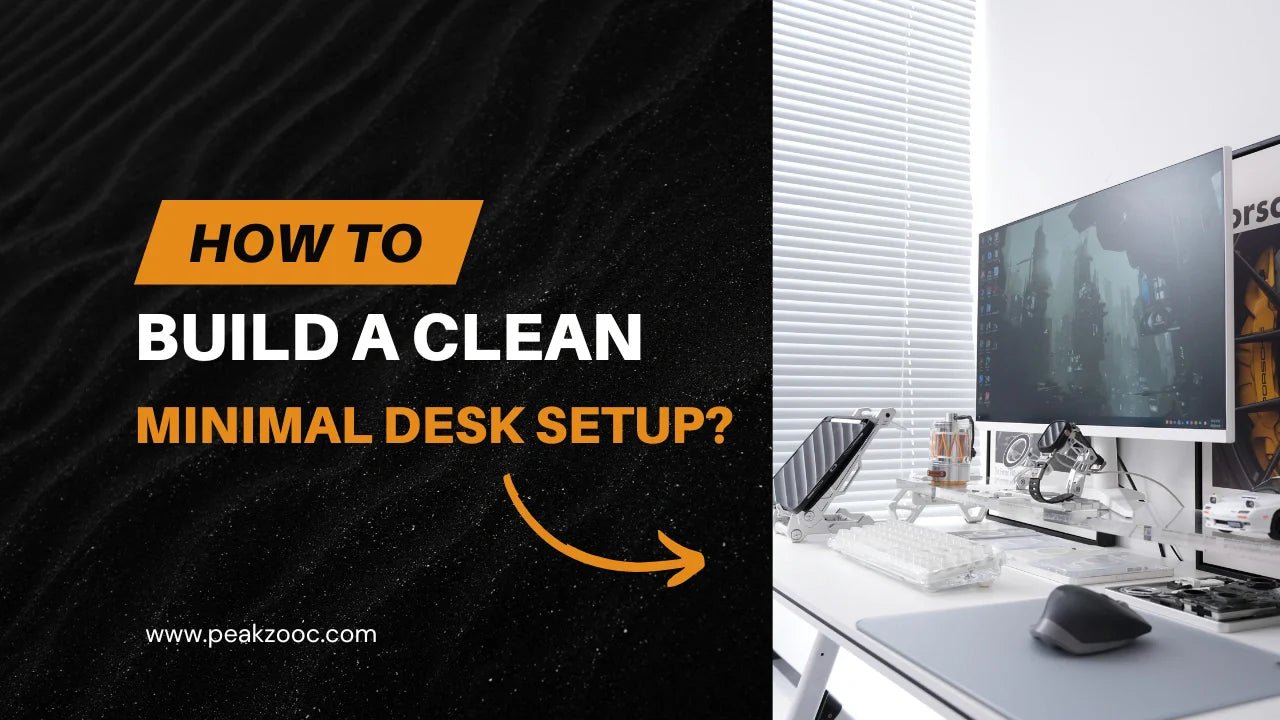
How to Build a Clean Minimal Desk Setup?

Most desk setups fail for one simple reason—they are built for appearance, not for function.

A truly clean workspace is not about having fewer items. It’s about removing friction, organizing tools by purpose, and making every object on your desk earn its place.

This guide breaks down a practical system to help you build a minimal desk setup that looks clean, feels structured, and actually improves daily focus.

1. Start With Vertical Space (The Foundation of a Clean Desk)

If your entire setup is sitting flat on the desk surface, clutter is unavoidable.

The fastest way to fix this is to introduce vertical structure.

A monitor riser is usually the first meaningful upgrade.

It does more than just lift your screen:

  • Frees up hidden storage space underneath
  • Separates “working surface” from “storage surface”
  • Improves posture and viewing angle
  • Creates a visual center line for the entire setup

modular_monitor_stand_peakzooc_3

Once your monitor is elevated, your desk immediately feels more organized—even before adding anything else.

👉 This is why many modern setups start with a modular metal monitor stand system, instead of decorating first.

2. Give Every Core Device a Fixed Position

A cluttered desk usually has one problem: nothing has a defined place.

Your keyboard, phone, and daily tools should not move around depending on mood or task.

Start with your keyboard.

Instead of leaving it flat and loose on the desk, consider a dedicated resting or display position when not in use. This small habit helps:

  • Keep the main workspace clear
  • Reduce visual noise during breaks
  • Make the desk feel intentional instead of messy

A simple keyboard stand or riser slot under the monitor shelf can completely change how organized your desk feels.

mechanical keyboard stand

3. Turn Your Phone Into a Station, Not a Distraction

Phones are one of the biggest causes of fragmented focus on a desk.

The problem is not the phone itself—it’s the lack of structure around it.

A magnetic phone stand solves this by giving your phone a fixed “home base.”

A proper setup allows your phone to function as:

  • A secondary screen for notifications
  • A control hub for music, calls, or timers
  • A stable viewing angle for videos or reference material
magnetic phone stand

Instead of being placed randomly, your phone becomes part of the workspace system.

4. Remove Cable Noise Early (Not After Everything Else)

Cables are usually treated as the final step—but they should be considered from the beginning.

Even a single visible cable crossing the desk can break the clean visual flow.

A minimal setup approach is simple:

  • Keep charging points fixed in one area
  • Avoid long exposed cable runs
  • Route cables behind or under structural elements (like risers)
  • Reduce the number of visible adapters on the desk

The goal is not perfect cable invisibility—it’s zero visual distraction at eye level.

keyboard-stands-peakzooc

5. Use a Consistent Material Language

One reason many setups feel “cheap” even when they are expensive is inconsistency.

Plastic stand + wooden riser + metal lamp + random phone holder = visual noise.

A clean setup usually follows one material direction.

For example:

  • Brushed aluminum for structure
  • Matte finishes for reduced reflection
  • Sharp geometric lines for consistency
  • Limited color palette (black / silver / dark gray)

This is where the desk starts to feel designed, not assembled.

Peakzooc products are built around this idea—functional metal structure with a unified visual language across accessories.

desk_setup_gear_1920x900-2

6. Build Around Systems, Not Single Products

A mistake most people make is buying isolated accessories.

A better approach is system thinking:

Instead of:

  • Buying a monitor stand
  • Then a phone holder
  • Then a keyboard stand separately

Think in terms of:

  • Desk elevation system
  • Device positioning system
  • EDC organization layer

When products work as a system, the desk becomes easier to maintain—and visually consistent over time.

This is why modular setups (like metal riser + accessory coordination) tend to outperform random upgrades.

Recommended Minimal Setup Flow (Simple Order That Works)

If you’re building from scratch, follow this sequence:

  1. Elevate monitor (create structure)
  2. Define keyboard position
  3. Add phone station
  4. Control cable visibility
  5. Standardize materials and finishes

Do it in this order, not randomly.

It prevents overbuying and keeps the setup coherent.

Final Thought

A clean desk is not a style choice. It’s a system that reduces friction.

When everything has a defined place, your attention stops fighting your environment.

That’s when focus becomes natural.

And ironically, that’s also when your desk starts looking “minimal” without trying.

Previous Post Next Post

Leave A Comment

Please note, comments need to be approved before they are published.

Welcome to our store
Welcome to Peakzooc