



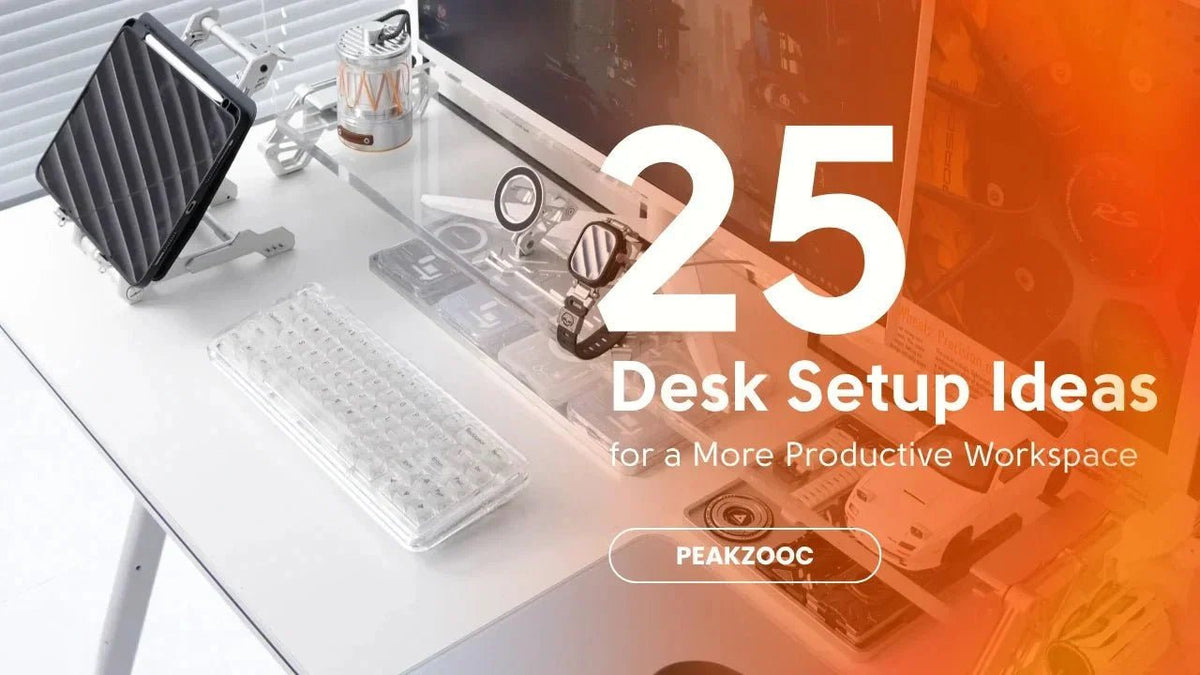
Transform your desk into a workspace that looks better, feels cleaner, and helps you stay focused throughout the day.
A productive workspace isn't built by buying more gear—it's built by making intentional choices.
Whether you work from home, study, game, or create content, the right desk setup can improve focus, reduce distractions, and make long hours at your desk more enjoyable.
Here are 25 desk setup ideas that can instantly upgrade your workspace.
1. Raise Your Monitor With a Desk Riser
One of the easiest upgrades is elevating your monitor.
A desk riser creates additional storage space underneath while improving screen positioning and overall desk organization.
Bonus: It instantly makes your setup look more structured.

2. Keep Only Daily Essentials on the Desk
If you don't use it every day, it probably doesn't need to stay on your desk.
A cleaner surface often leads to a clearer mind.
3. Create Dedicated Zones
Think of your desk in sections:
- Work zone
- Charging zone
- Storage zone
- Display zone
When everything has a place, clutter becomes easier to manage.
4. Use a Keyboard Stand
Mechanical keyboards are often one of the most expensive items in a setup.
A keyboard stand keeps them organized and turns them into part of the desk aesthetic.
5. Hide Cables From Eye Level
Cable clutter creates visual stress.
Use risers, cable trays, or simple routing solutions to keep wires out of sight.
6. Add a Phone Stand
Instead of leaving your phone flat on the desk, give it a fixed position.
A MagSafe stand helps reduce distractions while keeping notifications visible.

7. Match Your Materials
The cleanest setups often share a consistent material language:
- Aluminum
- Black metal
- Matte finishes
Consistency creates a premium appearance.
8. Use Vertical Space
Your desk has more usable space than you think.
Shelves, monitor risers, and stands allow you to organize upward instead of outward.
9. Upgrade Your Lighting
Good lighting changes everything.
Consider:
- Monitor light bars
- Desk lamps
- Ambient LED lighting
Your eyes will thank you.
10. Choose a Larger Desk Mat
A desk mat visually unifies your setup and protects the desk surface.
It also creates cleaner boundaries between devices.
11. Remove Duplicate Items
Do you really need three chargers, four notebooks, and five pens on your desk?
Probably not.
12. Build Around a Centerpiece
Most great setups have a visual anchor:
- Ultrawide monitor
- Mechanical keyboard
- Metal monitor riser
Everything else supports it.
13. Keep Frequently Used Tools Within Reach
Reduce unnecessary movement by placing everyday tools near your primary working area.
14. Store Keyboards Vertically
For keyboard enthusiasts, vertical storage saves space and creates a cleaner display.
15. Use a Neutral Color Palette
Black, silver, gray, and white tend to age better than trend-driven colors.
Minimal colors often feel less distracting.
16. Create an EDC Corner
Reserve a small area for:
- Wallet
- Watch
- Keys
- Pocket knife
- Earbuds
This prevents random items from spreading across the desk.

17. Improve Monitor Height
Your screen should sit near eye level to reduce neck strain during long sessions.
18. Add Small Personal Touches
A setup shouldn't feel sterile.
A plant, photo, or collectible can add personality without creating clutter.
19. Use Modular Accessories
Modular products adapt as your setup evolves.
This flexibility often saves money over time.
20. Keep the Area Under the Monitor Organized
The space beneath your monitor is often underutilized.
Use it for keyboards, notebooks, or daily accessories.
21. Upgrade One Thing at a Time
The best setups are built gradually.
Focus on solving one problem before buying another accessory.
22. Create a Charging Station
Centralizing charging cables prevents your desk from becoming a tangled mess.
23. Reduce Visual Noise
Every object competes for your attention.
The fewer unnecessary items visible, the easier it is to focus.
24. Prioritize Function Over Trends
Social media setups look great.
But the best setup is the one that supports your workflow.
Always start with function.
25. Build a System, Not a Collection
The most productive desks aren't filled with random accessories.
They're built around a system where every item has a purpose.
That's why monitor risers, keyboard stands, and phone stands work so well together—they create structure.
Final Thoughts
A productive workspace isn't about perfection.
It's about reducing friction.
Start small:
- Elevate your monitor
- Organize your keyboard
- Manage your cables
- Give every device a home
Over time, these small improvements create a workspace that's easier to use, easier to maintain, and far more enjoyable to spend time in.
A better desk doesn't just look cleaner.
It helps you work better.


